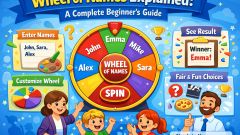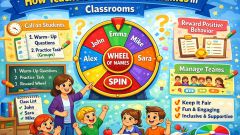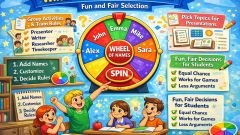


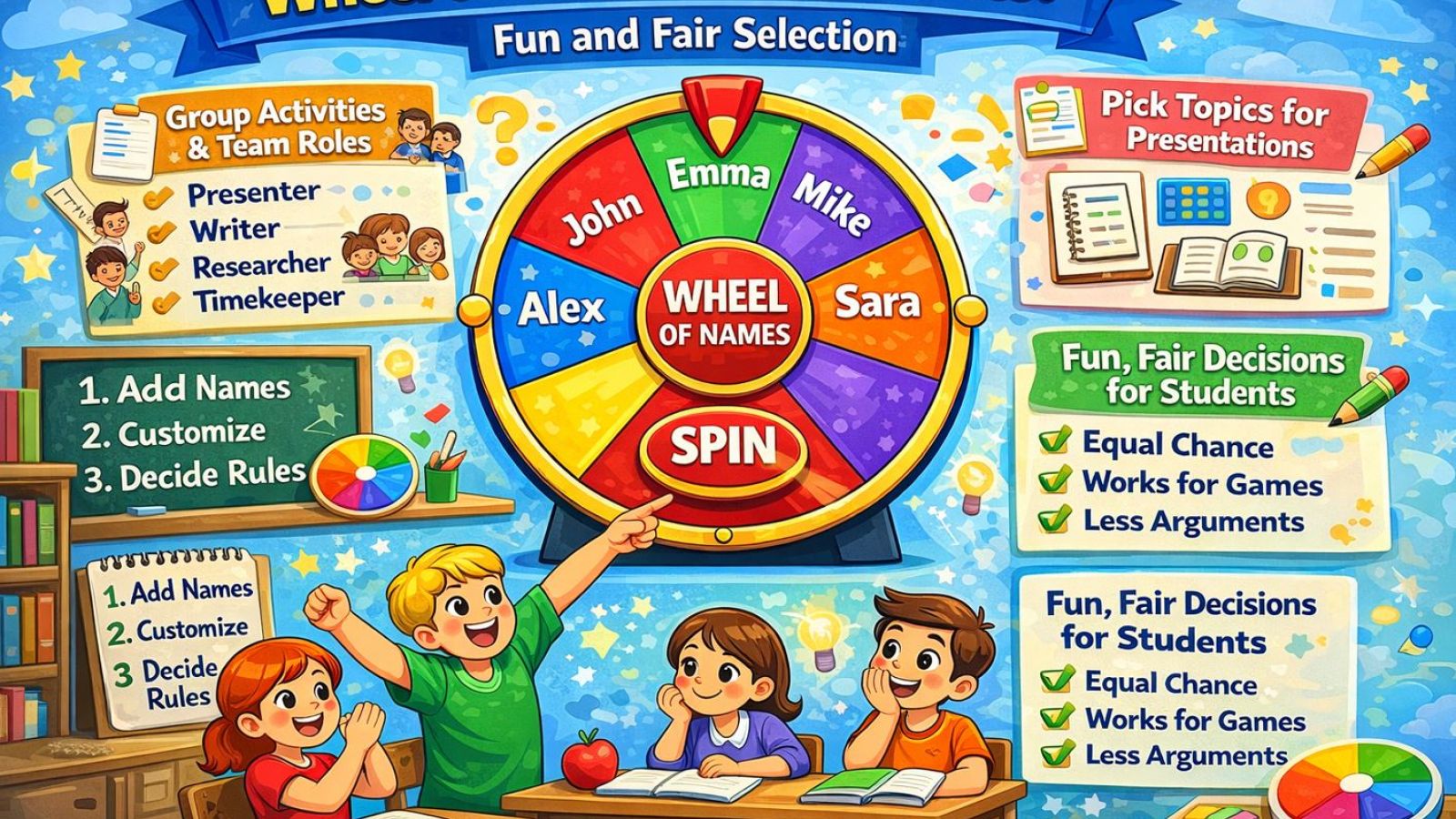
Ask any teacher about the daily challenge of calling on students fairly, and you'll get a knowing sigh. Pick the same eager hands and the quiet kids disappear. Try to spread it around from memory and you'll lose track, or worse, appear to play favorites. A wheel of names quietly solves this, and in the process it makes the whole business of being picked feel less like a spotlight and more like a game.
The fairness problem in a classroom
Cold-calling is one of the most useful tools a teacher has, but it's fraught. Human attention naturally drifts to the front rows, the confident students, and the ones making eye contact. Over a term, that unconscious bias adds up: a handful of kids answer most of the questions while others go weeks without being asked. Students are sharp — they notice the pattern, and it shapes how included they feel.
A wheel of names removes the teacher's unconscious bias from the equation entirely. Load the class roster into the classroom name wheel, spin, and the tool picks with no regard for who's raising a hand or where they sit. Everyone genuinely has the same chance, and the class can see that they do. That visible impartiality is what makes it land.
Why students respond to it
Something interesting happens when a wheel does the picking instead of the teacher: the anxiety drops. Being cold-called by a teacher can feel personal, like you were singled out. Being picked by a spinning wheel feels like luck — the same way nobody takes it personally when a board game die lands on them. The randomness depersonalizes the selection, which paradoxically makes students more willing to participate.
There's also a bit of genuine fun in it. The spin builds a second of suspense, and kids lean in to see where it lands. That small moment of anticipation turns a routine classroom mechanic into something with a little energy, especially with younger students who respond well to the game-like feel.
Beyond cold-calling
Picking who answers a question is just the start. Teachers use a name wheel to form random groups without the social minefield of letting students pick teams. They use it to assign classroom jobs — line leader, board cleaner, materials monitor — so the desirable roles get distributed fairly rather than always going to the same few. It settles the order of presentations, decides who reads next, and breaks ties without debate.
In each case, the value is the same: the wheel takes a decision that could look like favoritism and makes it obviously neutral. When a student ends up with the less popular job or has to present first, there's no one to blame and nothing to argue about. The wheel did it, and the wheel doesn't have favorites.
Using it without over-relying on it
A word of balance: the wheel is a tool, not a replacement for a teacher's judgment. There are moments when you deliberately want to call on a specific student — to catch someone who's drifted, to give a struggling kid a question you know they can answer, to build a shy student's confidence with a gentle one. Good teaching mixes intentional choices with random ones. The wheel handles the fair-distribution work so you can save your deliberate picks for when they matter, and nobody in the room can tell which questions were random and which were chosen — which keeps your targeted picks from feeling like singling anyone out.
Many teachers use the remove-after-pick option so that over a lesson, everyone gets a turn before anyone repeats. That's a small tweak to the underlying randomness that fits the classroom especially well, ensuring the quiet students can't simply be skipped by chance across a session.
Building it into a routine
The teachers who get the most out of a name wheel tend to make it a visible, consistent part of the class. Keeping the roster saved means it's ready in seconds, so it never becomes a hassle that gets abandoned. Once students know the wheel is how selection happens, it sets an expectation of fairness that shapes the whole room — participation stops being about who shouts loudest and becomes something everyone shares.
If you're curious about the mechanics that make the fairness reliable, our explainer on how a wheel of names works breaks down why every student genuinely gets an equal shot. Understanding that can help you explain to a skeptical class exactly why the tool is fair.
The payoff
A wheel of names does something small and important at once: it makes classroom selection fair, and it makes being selected feel okay. Those two things together can shift the tone of a room, pulling in the students who'd otherwise stay quiet and taking the sting out of being called on. It won't teach the lesson for you, but it clears away a persistent little friction so the actual teaching has more room to happen. Teachers who adopt it often say the biggest surprise isn't the fairness itself but the change in atmosphere: once selection stops feeling like a judgment call, the quiet students relax, the dominant ones stop assuming every question is theirs to answer, and participation spreads out on its own. For a tool that takes thirty seconds to set up, that's a meaningful shift in how a classroom feels, and it costs nothing to try for a single lesson to see whether your own room responds the same way.